CapCut
Core Features
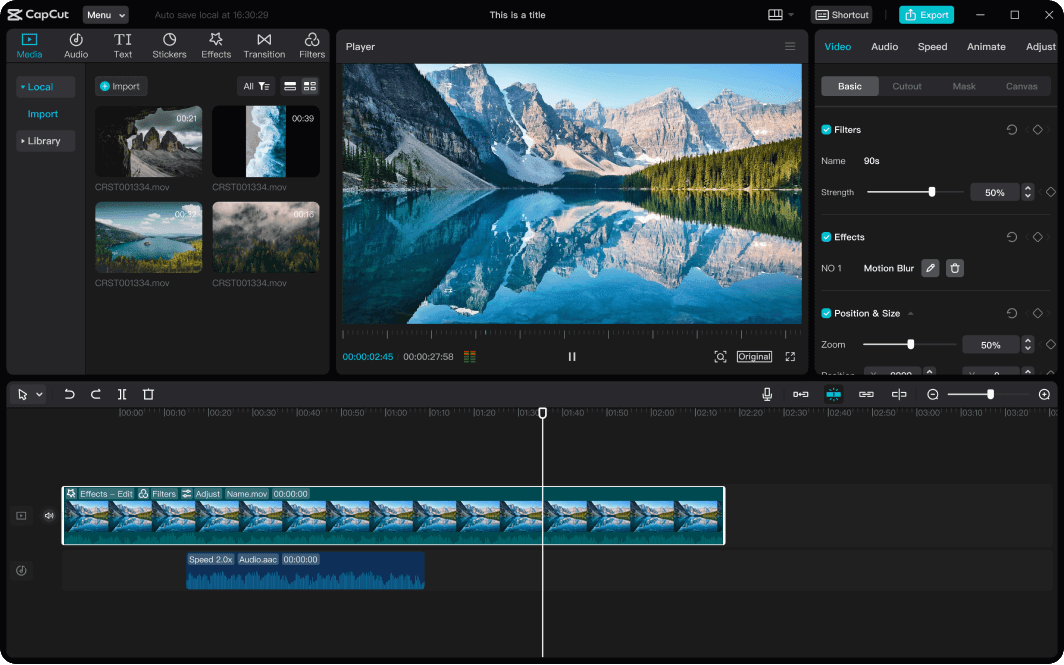
- AI-powered auto-captions & translation
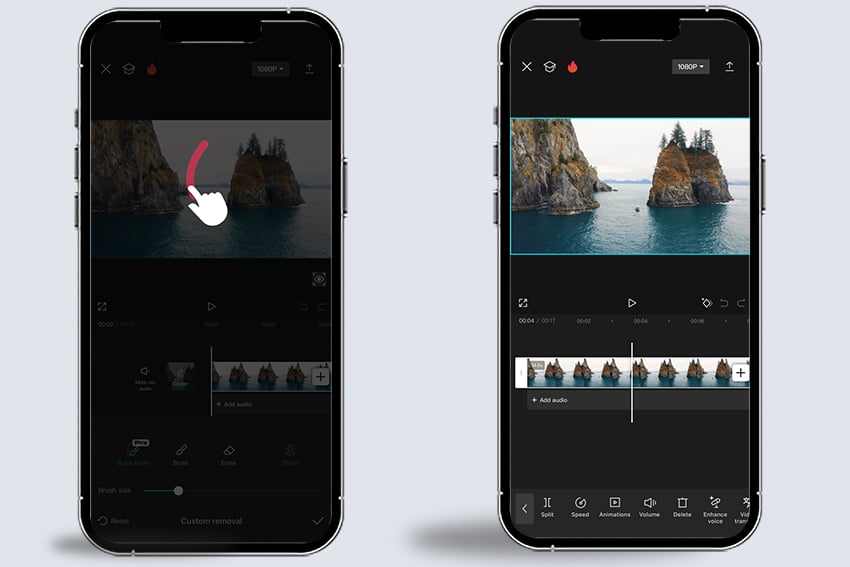
- One-click background removal
- Template library (TikTok/Reels optimized)
- Cloud sync across mobile & desktop
Workflow
Import → Auto-cut (AI scene detect) → Apply template → Edit captions → Export (4K HDR).
Free tier includes watermark; Pro unlocks 4K, no ads.
Pros & Cons
✅ Strengths
- Zero learning curve
- Blazing fast export
- Free Pro features
❌ Weaknesses
- Limited color grading
- No multicam
- Bytedance data policy
Pricing (2025)
| Free | 1080p, watermark |
| Pro | $7.99/mo — 4K, no watermark |
DaVinci Resolve
Core Features
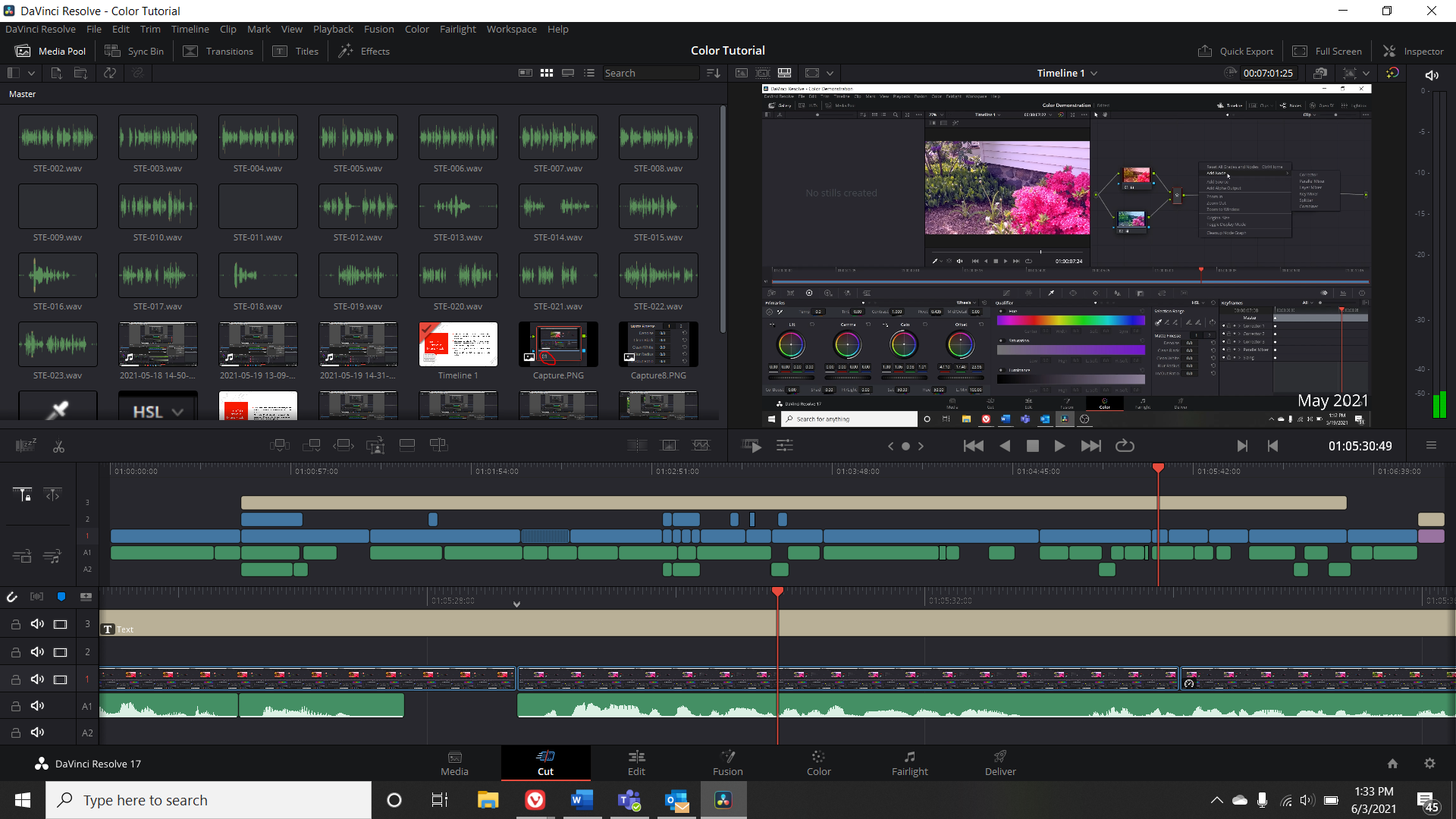
- Hollywood-grade color correction (Fusion)
- Professional audio post (Fairlight)
- Node-based compositing
- Free version includes 90% of features
Workflow
Cut → Color (Curves/Qualifier) → Fairlight (ADR, mixing) → Deliver (ProRes, H.265, IMF).
Studio version ($295) adds collaboration, noise reduction, neural engine.
Pros & Cons
✅ Strengths
- Unmatched color tools
- All-in-one workflow
- Free tier is pro-grade
❌ Weaknesses
- Steep learning curve
- GPU-heavy (RTX 3070+ recommended)
- Clunky UI navigation
Pricing
| Free | 4K export, full color/audio |
| Studio | $295 one-time |
Premiere Pro
Core Features
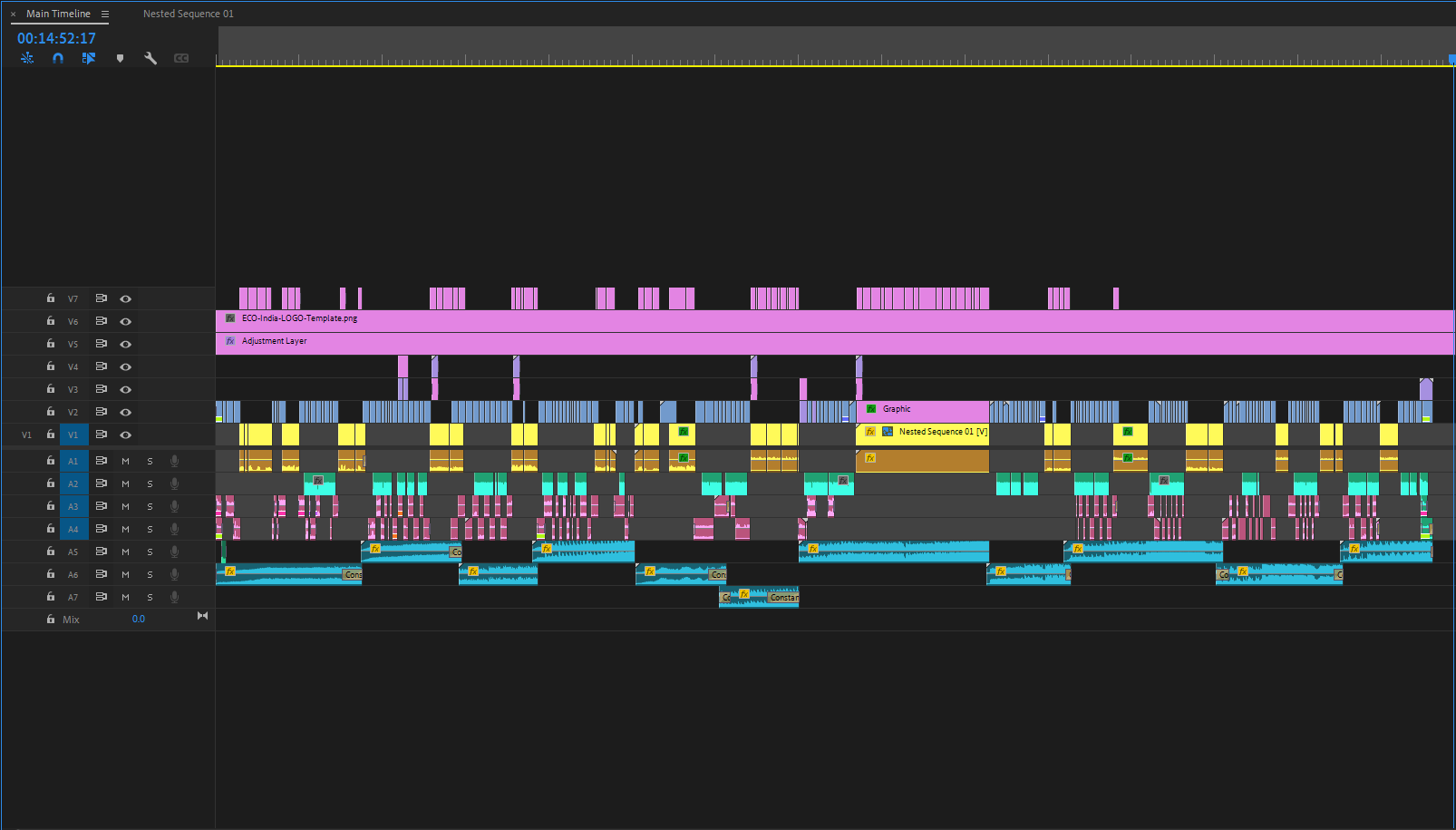
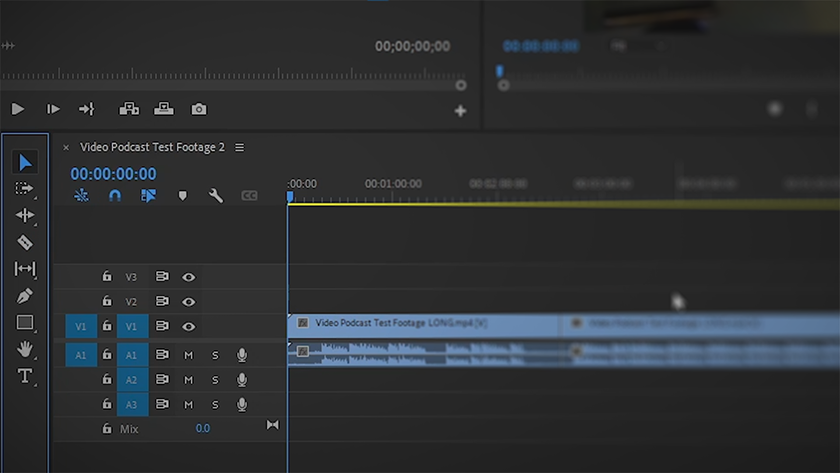
- Industry-standard NLE (non-linear editor)
- Dynamic Link to After Effects/Audition
- Auto Reframe (AI aspect-ratio conversion)
- Team Projects (real-time collab)
Workflow
Proxy workflow → Edit → Lumetri Color → Audio Ducking → Export via Media Encoder.
Relies on Creative Cloud ecosystem; no perpetual license.
Pros & Cons
✅ Strengths
- Plugin ecosystem (Red Giant, etc.)
- Seamless Adobe integration
- Broad format support
❌ Weaknesses
- Subscription-only ($20.99/mo)
- Frequent crashes on large projects
- High RAM usage
Pricing
| Single App | $20.99/mo |
| All Apps | $54.99/mo |
Final Cut Pro
Core Features
- Magnetic Timeline (no track stacking)
- Optimized for Apple Silicon (M-series)
- Object Tracker (AI-powered)
- 360° video & HDR workflow
Workflow
Import → Smart Collections → Magnetic edit → Color Board → Share to YouTube/iCloud.
One-time purchase, free major updates for 1 year.

Pros & Cons
✅ Strengths
- Blazing speed on Mac
- Intuitive magnetic editing
- One-time payment
❌ Weaknesses
- macOS only
- Limited third-party plugins
- No native Windows/Linux
Pricing
| One-time | $299 |
| Free Trial | 90 days |